
It is possible to connect the ProductMix account with GitHub to import the GitHub issues to ProductMix. The imported issues can be found under ideas.
The tutorial will show how to connect the ProductMix account to GitHub and how to import issues.
Steps to connect your ProductMix account with GitHub #
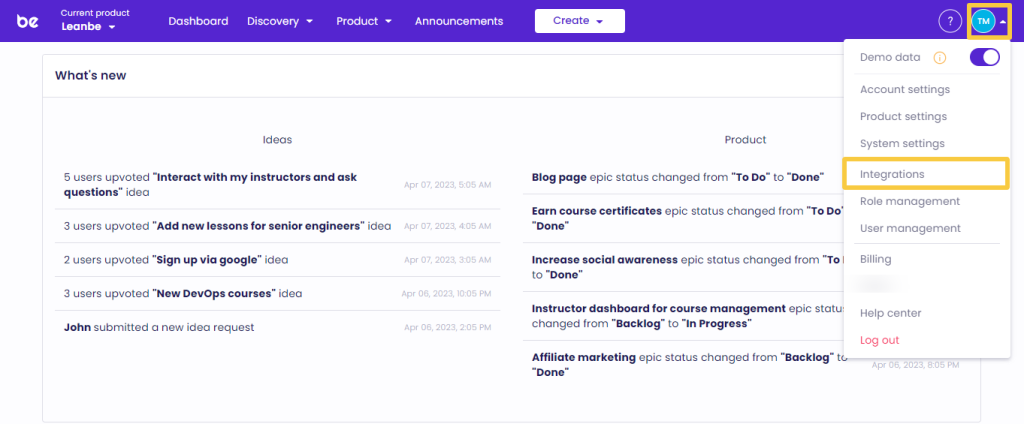
From your ProductMix Dashboard open the Settings tab and click Integrations.
Choose GitHub from the list and click Connect.

Sign in to your GitHub account and press Authorize ProductMixai to finalize the connection process.

Steps to import GitHub issues into your ProductMix account #
From the GitHub integration press Settings.

From the GitHub settings switch on the Organization option if needed and after choosing the Organization, Repository, and Labels from the list, click Save.

Choose one of the suggested options to proceed.

To check the imported issues, from your ProductMix account open the Ideas of the Discovery section and check the New requests subsection.
That’s it! Those were the steps to integrate ProductMix with GitHub.